

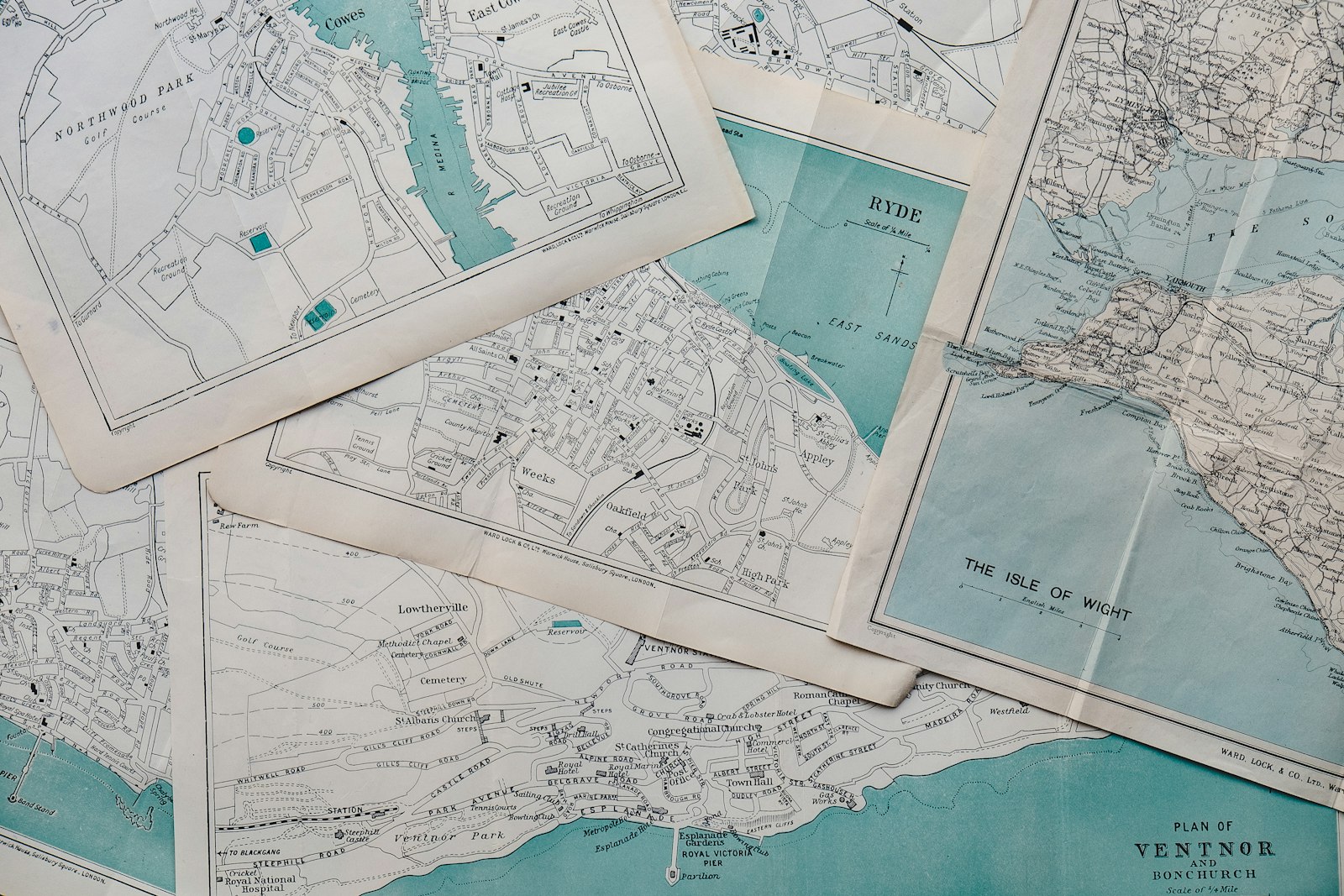
Gemini is getting a more direct way to handle location-based questions: users can attach a map area as context to a request in the mobile apps. On October 2, 9to5Google documented the new Map entry for Android and iOS. The practical benefit is less about a new AI capability than letting users show which area they mean instead of describing it at length.
Key takeaways
- The new Map tool opens a map where users can select an area and attach it to a request.
- 9to5Google reports a broad mobile rollout. The report does not establish access for every individual account.
- According to the report, the new input option is absent on the web; ordinary place questions remain possible there.
- Google’s help requires sign-in and enabled activity storage for the Maps feature. Enhanced place views have additional conditions.
A map can replace a lengthy description of an area
The documented process is straightforward: Map appears in the horizontal attachment selection. Opening it displays a map with a circular focus area. Users can pan, zoom in or out, and search for another location. Explore this area then adds the selection to the prompt field as Map Area. A normal question can be added alongside it. These English labels come from the interface shown in the report; a German account may use different labels.
This makes an often ambiguous phrase more concrete. “Nearby” could mean the current location, the destination station, or a hotel in a future vacation spot. A deliberately selected area gives the question a geographic reference. This is especially helpful when preparing a trip: users do not already need to be there to make another neighborhood the starting point of their search.
A useful personal experiment would be to select a destination area and ask for cafes suitable for a short break before a museum visit. A follow-up question could narrow the options to places with outdoor seating. This is a suggested use case, not a result we have tested. Whether all the requested features are substantiated must be clear for individual results. A readable answer alone is not enough.
Another important point is that the circle shown is initially a selection aid. The report does not establish a guarantee that every recommendation falls within an exactly calculated distance. For specific planning, users should include the starting point and preferred means of travel. “Easy to reach” means something different on foot than by car. The map’s value is in anchoring that question more clearly, not automatically resolving every condition.
Maps data helps, but search and navigation remain different
Google describes Gemini’s existing Maps integration as access to public place information. This includes addresses, opening hours, ratings, and directions. The new map attachment is consequently another input method for tasks Gemini already knows how to handle in principle. Its appearance on mobile in the current report does not mean that the web version cannot process place information at all. Google’s help explicitly allows place questions through gemini.google.com as well.
The limitations matter in daily use. According to the help page, this Gemini integration does not provide live traffic updates or access arbitrary saved places; home and work are the stated exceptions. An AI conversation therefore does not automatically replace a mapping app while driving. After discussing a possible route, users should start actual navigation in the appropriate service and check current conditions there.
Calling a business that has been found would be another step. A separate feature exists on eligible Pixel devices, which we covered in our article about Gemini’s calling agent. The new map button does not automatically enable that capability. Finding places, viewing a route, and contacting someone are different tasks with their own requirements.
Choose availability and location sharing deliberately
Before trying it, users should check their own account. Google requires sign-in and enabled Keep Activity, meaning storage of Gemini activity, for the documented Maps feature. For additional place details and interactive result views, the help page also specifies a personal Google Account, a minimum age of 18, and a place question in English. These conditions apply to the enhanced views described there; they do not mean that every ordinary place question only works in English.
The help page notes a gradual rollout for the enhanced features. Although 9to5Google’s current report describes the Map tool as broadly rolled out, it does not provide a complete matrix of countries, subscription plans, and account types. If the entry is missing, that should establish neither a malfunction nor a definite need for a more expensive subscription. A simpler alternative is to name the area in an ordinary text prompt and ask about places.
Users should also distinguish the selected search area from their actual device location. Google’s privacy help explains that Gemini can use an approximate area derived from an IP address, among other sources. Precise device data is processed with permission; location information can also be exchanged between participating Google services. Turning off the precise-location option in the Google app alone therefore does not guarantee that no other service supplies precise location information.
In practice, the destination is often sufficient context when planning a future outing. Someone looking for a meeting spot immediately nearby can instead make a deliberate decision about the location permission that makes sense for that task. Places written directly into a chat are also part of the request and can remain stored in it. A map selection should be understood as information supplied to the assistant for this particular task.
The improvement lies in asking a better question
Gemini’s Map tool could make preparing a city visit more convenient because geographic context and the question are created together. The measure of usefulness is then specific: does the answer lead to traceable results in the desired area whose important features can be checked? If so, the new input method has value. It does not establish a guarantee of available seating, current traffic conditions, or the perfect recommendation. For users, the initial appeal is a small step: show an area and ask a more precise question.